Best antivirus rescue disk

Best antivirus rescue disks
1. Bitdefender Rescue
2. Kaspersky Rescue Disk
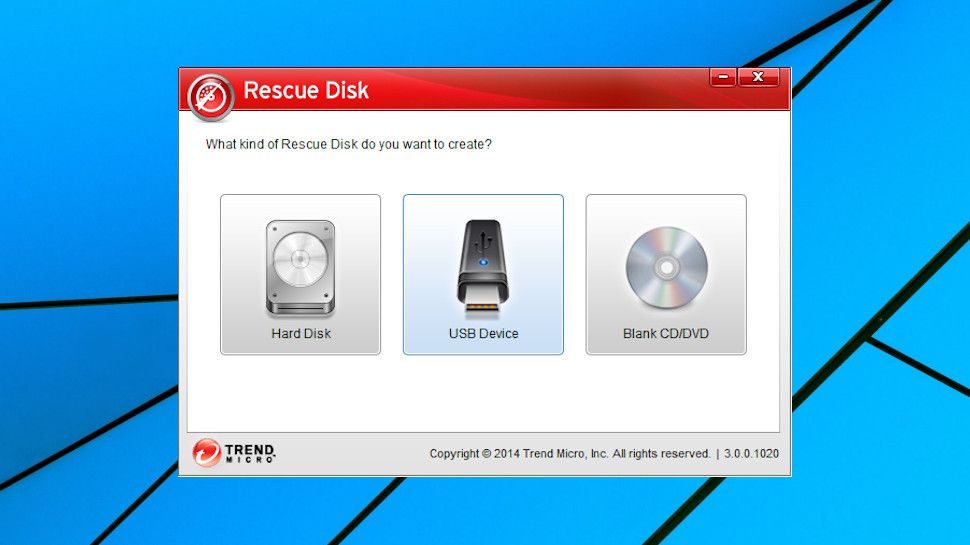
3. Trend Micro Rescue Disk
4. AVG Rescue
5. ESET SysRescue Live
Read on for our detailed analysis of each tool
No antivirus can guarantee to protect you against malware. There’s always a chance that some dangerous new threat will bypass any defenses and infect your PC, and if that happens, it can be very difficult to remove.
Most antivirus products have a bootable rescue disk to help you eliminate these more stubborn threats. Install this to a CD or USB key, boot from it instead, and it’s much more difficult for malware to avoid detection.
Even if your own antivirus vendor’s rescue disk fails, you can just download and try someone else’s. Most are no-strings free, and can be downloaded and used without ‘creating an account’ or otherwise handing over any personal details. Keep reading and we’ll point you to some of the best antivirus rescue disks around.
- We’ve also highlighted all the best antivirus software
- Want your company or services to be added to this buyer’s guide? Please email your request to desire.athow@futurenet.com with the URL of the buying guide in the subject line.
Here are the best antivirus rescue disks
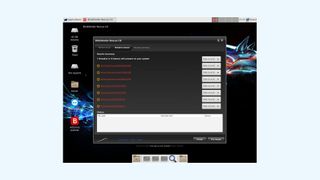
Image Credit: Bitdefender
1. Bitdefender Rescue
Top-notch assistance from an antivirus veteran
If your PC has been infected and your antivirus can’t help, you need some urgent assistance, and there’s no better choice than Bitdefender. The company’s accurate engine regularly comes top of the list in protection testing, and it does a great job of removing all kinds of threats.
Bitdefender’s website has a lot of details on its website explaining how you can download and set up its ISO file, ensuring even security beginners will be able to install it to a CD or USB key.
The rescue disk has a great-looking graphical interface and it’s very easy to use; just boot, and it launches a scan automatically.
The down side to this simplicity is you don’t get any fine-tuned control over what to scan, or how to do it. But how much this matters with a scan you might run only once, is open to question. Being thorough and checking everything is often the best approach.
If the first scan doesn’t help, you’re not left alone. The rescue disk’s Xfce Desktop Environment gives you Firefox, a File Manager, and a stack of other tools to help you understand and solve your PC problems.
- You can download Bitdefender’s rescue disk here
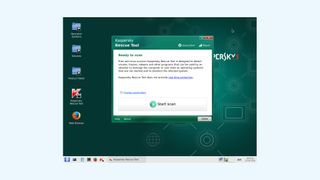
Image Credit: Kaspersky
2. Kaspersky Rescue Disk
A single-click rescue disk with plenty of options
Kaspersky Rescue Disk is a professional product which includes plenty of extras, but is also easy to use.
A boot menu enables deciding whether to boot into full or limited graphics modes, for instance. The simple scanner can be launched with a single click. But you can choose to scan only specific folders, which should improve speeds. You’re able to view and even restore quarantined objects. And the Xfce desktop powering the disk includes Firefox, Thumar File Manager, and a bunch of other useful tools.
You’re unlikely to need anything more than Kaspersky’s main scanner, though, because it’s one of the best around. Don’t take our word for it: AV-Comparative’s February-October 2018 Malware Removal Test rated it the top product from a field of ten.
- You can download Kaspersky’s rescue disk here
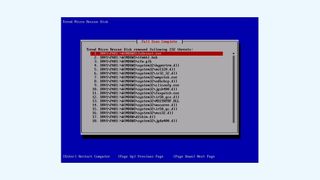
Image Credit: Trend Micro
3. Trend Micro Rescue Disk
A capable but no-frills rescue tool
While most antivirus vendors provide rescue disks in a plain ISO
Be the first to write a comment.