Paid antivirus vs free antivirus: which should you get?


Antivirus software can be divided into two broad camps: free apps, and products that you must pay money for (usually known as paid or premium apps).
Obviously, the difference between the two is that one involves a financial outlay and the other doesn’t. In this article, we’re going to look at which is the best choice for you between these two options, weighing up various key factors that will help you decide.
- Our definitive list of today’s best antivirus software
- Looking for even more protection? Grab the best VPN
- See why we rate Bitdefender so highly in our testing
Budget
best free antivirus.
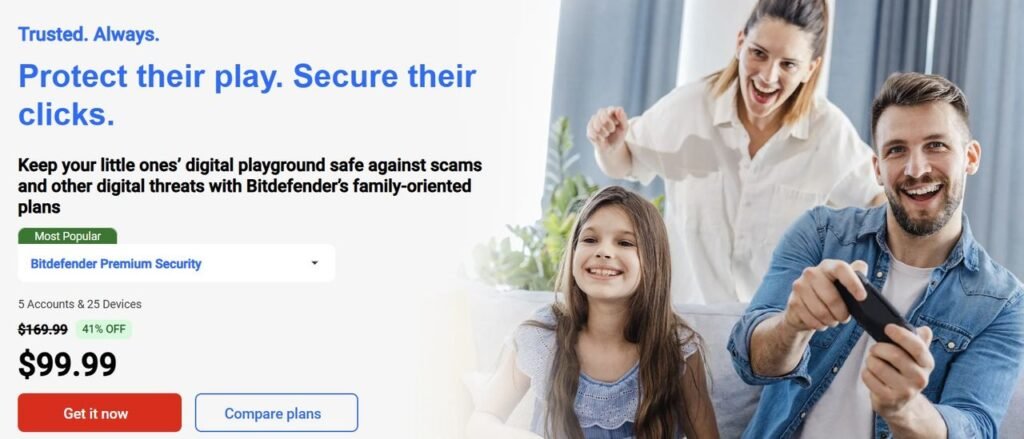
That said, note that some antivirus developers offer their premium products on long-term contracts at what works out very cheaply in terms of a monthly rate, and these apps give you a lot more in terms of features as we’ll discuss next. So the overall value proposition, at least with some products such as those which top our best paid antivirus list, is actually very strong. Check out how reasonable some of the best names in the business have made their premium offerings:
Furthermore, don’t forget that paid apps often offer either a trial, or a money-back guarantee if you’re not happy within a certain period, meaning you can try before you buy, and see first-hand if the software is worth splashing out on.
Features
With free virus protection, you’ll only get a basic feature-set. These apps might only carry the core antivirus engine, and perhaps a couple of additional pillars of defense – but vendors reserve all the more heavyweight functions for their paid products for obvious reasons.
With premium versions, you’ll often get important additions like extra layers of anti-ransomware protection, or web protection with anti-phishing tech or perhaps a tailor-made secure browser. You’ll be even more secure with these kind of features backing you up online, which is great news for those who might be less confident about the web and all the potential dangers out there.

Similarly, because parental controls and the likes of social media monitoring tools are generally only in paid security apps, those with a family may well want to pay for such features in order to keep the kids safe when they’re online.
Adverts
Advertisements are a further key issue to consider. With free products, there will usually be some manner of advertising involved (although there are exceptions to the rule, they are few and far between). This might be ads for all kinds of things, or simple messages suggesting you upgrade to the premium version, but you will likely face pop-ups of some variety.
With a paid antivirus app, there’s none of this. So, another way of looking at this could be that with a free antivirus, you’re effectively paying for the product with another resource – your time (to dismiss adverts), rather than money. Granted, with most decent free apps you won’t spend much time dismissing adverts, as there shouldn’t be that many of them – but they can be a slight annoyance, even so.
Support
Another major difference between paid and free products is that with a premium antivirus, you get a fully rounded technical support package. That often means 24/7 support allowing you to talk to human agents – via the phone, or live chat online – which can be a really useful facility for troubleshooting.
Indeed, some security companies even offer additional benefits such as Norton’s virus protection promise, whereby if a paying user’s system is infected by malware, they get a guarantee that one of the company’s experts will remove it. If tech support can’t remedy the situation, the cost of the customer’s subscription is refunded.
Free virus protection won’t give you any guarantees, of course, and support is usually limited to simple FAQs, or forums where users can try and help each other out with varying levels of success. If your query is a thornier one, you may find you get no replies, and can’t find much out in any FAQ either, leaving you pretty much high and dry, perhaps speculatively Googling for an answer.
Paid antivirus vs free antivirus: which should you get?
The answer to this question does, of course, depend on your exact needs. Broadly speaking, though, paid antivirus edges it because of the extra features on offer – many of which are very useful, particularly to computing novices – plus better support, and lack of any pesky ads.
That said, a free app is a perfectly viable option for robust core protection of your PC, and there’s absolutely nothing wrong with going this route for those who want to save some money, and are perhaps more confident about avoiding online dangers.
- Read more: How to choose the best antivirus for you
Be the first to write a comment.