Avira Prime 2020 antivirus suite

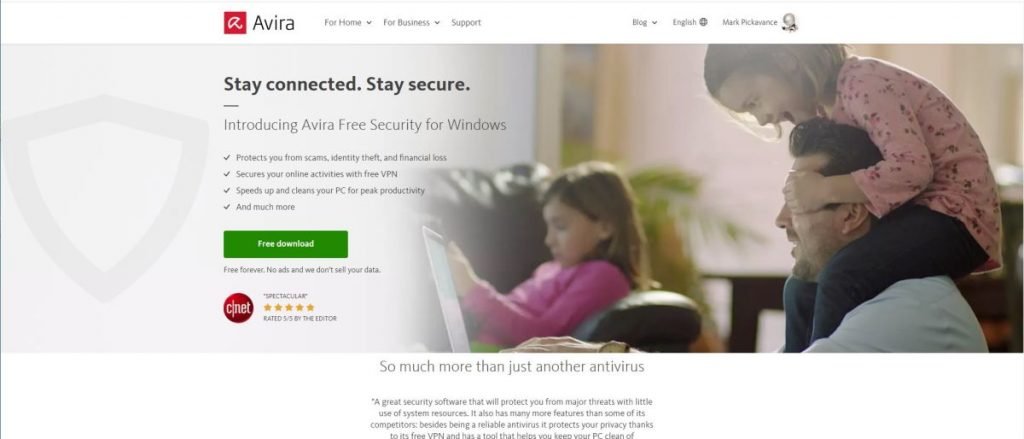
Avira security comes in three distinct flavours; Avira Free Security, Avira Internet Security and the focus of this review, Avira Prime.
As the name implies Avira Free Security is free to download and use, the Internet Security option is the first paid level that offers a single device license. Prime, reviewed here, offers licencing for five devices, VIP customer support, and free upgrades. It includes Avira’s Antivirus Pro, Password Manager Pro, Phantom VPN Pro and Software Updater Pro tools that can be licensed on their own.
Internet security costs £38.99 per annum, and Prime is currently offered at a 25% discount, down from £85.99 to just £63.99.
It is possible to pay £6.99 monthly or get more significant discounts by buying licensing for two or three years ahead.
At those prices and with all the functionality included, Avira Prime looks like a bargain. But are all the features of this product equally useful, and how does it compare to the other security suites available?

Design
For Windows users, Avira tries to look like a single solution with a single master interface, but the functionality is split into modules that you can ignore or embrace at will.
They are grouped under three sub-sections labelled Security, Privacy and Performance.
Security includes the antivirus solution, software updater and firewall controls. Privacy is all about browser safety and includes the VPN, and Performance has all the system optimising elements that make sure your system is the best it can be.
Rather than having to navigate around these to find trouble, Avira has a top-level status screen that alerts you to potential problems, and also allows a smart scan to be run that will seek out all security, privacy and performance issues.
The Apple Mac version only contains the Antivirus and VPN technology and leaves out the maintenance, password manager and software updating features of the Windows installation.
These ommissions are also true of the Android and iOS installs, although they both contain the VPN and Password Manager.
The password manager isn’t part of the main software bundle on PC but instead operates through a browser extension. If you don’t like extensions, you can decline to have these placed on your system.
While password managers are useful, as most browsers have this functionality inbuilt, it isn’t something that is a necessity.
But these extensions aren’t the only things that come along with Avira. When we’d completed the installation and ran our first ‘smart scan’, we noticed that it found a few things it wanted to fix, including issues with Opera browser.
As we never installed Opera, this seemed odd. It turns out that Avira installs it for you, and we didn’t notice it doing that.
Antivirus
Undoubtedly one of the strongest parts of this offering is the antivirus tool. This module allows for basic quick, full, and scheduled scans in addition to having live file scanning. But if you want you can set it to scan just for rootkits or removable drives, there are lots of options.
Compared with the Windows Defender tools, Avira is quicker and less obtrusive.
Any files it doesn’t like can be quarantined or deleted, and logs of all scanning are automatically created.
We also noticed that a full Defender scan looked at about 52,000 files on our tests system, where Avira examined a whopping 3.8 million using full scan setting. And, even while it performed the full scan that took a couple of hours, we could use the system without noticing any significant performance impact.
Our only reservation about the ‘Security’ part of this product is that it has a firewall section, and that infers that as part of Prime you get a firewall.
But when you go into the advanced settings of the firewall, it takes you to the Windows controls for the inherent Windows Defender Firewall.
What Avira allows you to do from its interface is to disable the firewall and switch it between Public and Private network modes, but the firewall is the same one built into every copy of Windows.
What impressed us more was that all email is scanned, both outgoing and incoming. All this is done through the network, handling both installed desktop clients and web interfaces.
This feature is fully configurable, allowing whitelists for email addresses and custom handling of alerts. The only
Be the first to write a comment.